

React useObjectUrl: File Previews Without Blob URL Memory Leaks
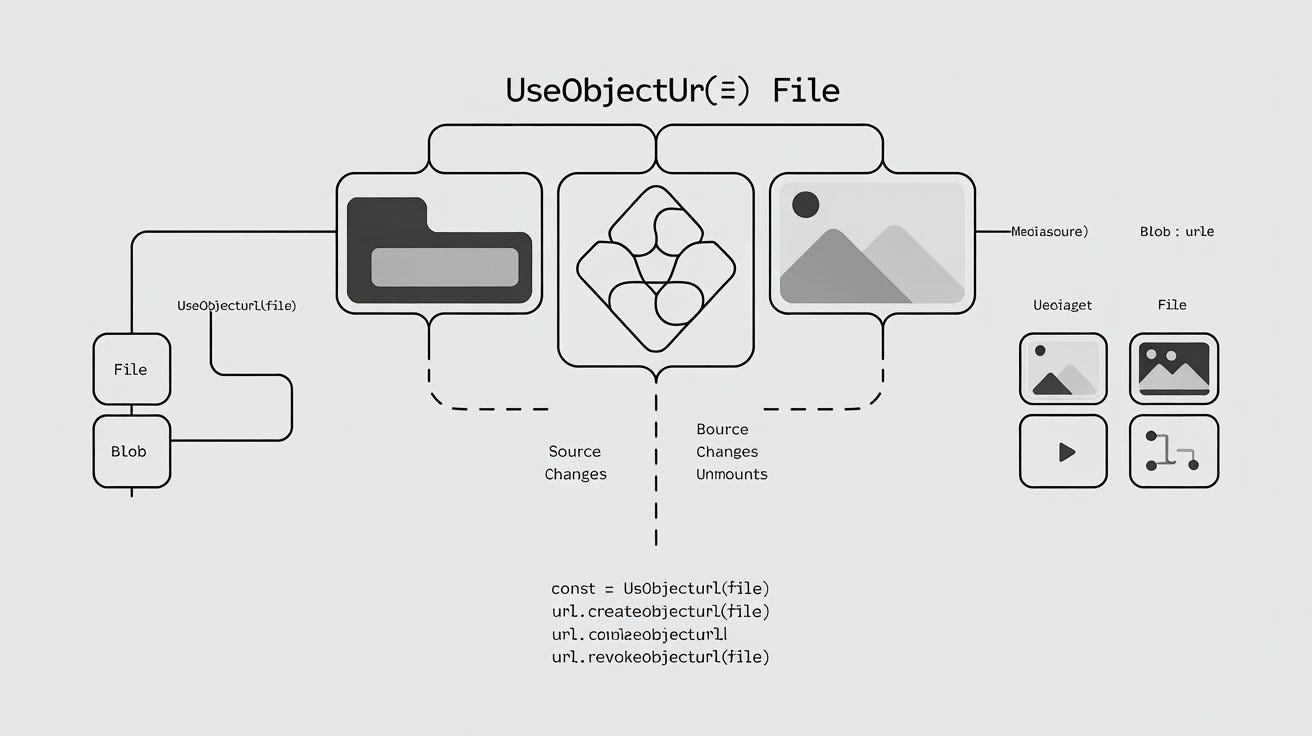
File previews in React look simple at first.
A user selects an image, you call URL.createObjectURL(file), put the returned URL into an <img>, and the preview appears immediately. No upload is required, and there is no need to read the entire file into a Base64 string.
const url = URL.createObjectURL(file);

return <img src={url} alt="Preview" />;
The problem is that every object URL you create has a lifecycle.
If you keep creating new URLs while files are added, replaced, or removed, those URLs can stay alive longer than necessary. A file editor left open for twenty minutes may create dozens of them.
The fix is URL.revokeObjectURL().
But remembering to call it is only half of the problem. You also need to revoke the correct URL at the correct time.
That makes this a good job for a small React hook.
Why URL.createObjectURL() Needs Cleanup
The browser can create a temporary URL for a Blob:
const blob = new Blob(["Hello"], {
  type: "text/plain",
});

const url = URL.createObjectURL(blob);

console.log(url);
// blob:https://example.com/...
A File works too because File extends Blob.
This makes object URLs useful for local previews:
<img src={url} alt="Selected file" />or video:
<video src={url} controls />or downloads:
<a href={url} download="report.pdf">
  Download report
</a>
Creating the URL is easy. Cleaning it up is the part that gets forgotten.
Once you’re finished with an object URL, revoke it:
URL.revokeObjectURL(url);So the actual relationship looks like this:
createObjectURL(blob)
        |
        v
     blob URL
        |
        v
   use the URL
        |
        v
revokeObjectURL(url)
In a React component, that lifecycle needs to follow the component and its props.
The Handwritten React Version
A straightforward implementation uses an effect:
import { useEffect, useState } from "react";

type FilePreviewProps = {
  file?: File;
};

function FilePreview({ file }: FilePreviewProps) {
  const [url, setUrl] = useState<string>();

  useEffect(() => {
    if (!file) {
      setUrl(undefined);
      return;
    }

    const objectUrl = URL.createObjectURL(file);

    setUrl(objectUrl);

    return () => {
      URL.revokeObjectURL(objectUrl);
    };
  }, [file]);

  if (!url) {
    return null;
  }

  return <img src={url} alt="File preview" />;
}
This version is fine.
The important detail is inside the cleanup function:
return () => {
  URL.revokeObjectURL(objectUrl);
};
It closes over the exact objectUrl created by that effect.
When file changes, React runs the cleanup for the previous effect before handling the new one. When the component unmounts, the last URL is revoked too.
The problem is not that this code is wrong. The problem is having to reproduce it everywhere.
An avatar uploader needs it. Your attachment component needs it. An image editor needs it again. Then someone writes a slightly different version for PDF previews.
Soon the same lifecycle code exists in several components.
A Reusable useObjectUrl Hook
We can move that behavior into a hook:
import { useEffect, useState } from "react";

export function useObjectUrl(
  source?: Blob | MediaSource,
): string | undefined {
  const [url, setUrl] = useState<string>();

  useEffect(() => {
    if (!source) {
      setUrl(undefined);
      return;
    }

    const objectUrl = URL.createObjectURL(source);

    setUrl(objectUrl);

    return () => {
      URL.revokeObjectURL(objectUrl);
    };
  }, [source]);

  return url;
}
Now the component no longer needs to know anything about cleanup:
type FilePreviewProps = {
  file?: File;
};

function FilePreview({ file }: FilePreviewProps) {
  const url = useObjectUrl(file);

  if (!url) {
    return null;
  }

  return <img src={url} alt="File preview" />;
}
The component says what it wants: a URL for this file.
The hook owns how that URL is created and destroyed.
If you’re already using @reactuses/core, the library provides this behavior through its useObjectUrl hook:
import { useObjectUrl } from "@reactuses/core";

function FilePreview({ file }: { file?: File }) {
  const url = useObjectUrl(file);

  return url ? <img src={url} alt="Preview" /> : null;
}
That is the useful part of the abstraction. The lifecycle logic lives in one place instead of being rewritten for every preview component.
What Happens When the File Changes?
Consider an image picker.
The user selects:
photo-1.jpgThe hook creates:
blob:.../a1Then the user selects another file:
photo-2.jpgReact cleans up the previous effect, so:
URL.revokeObjectURL(previousUrl);runs before the old URL is forgotten.
The hook can then create a URL for the new file.
Conceptually:
photo-1.jpg
    |
    v
blob:a1
    |
file changes
    |
    v
revoke blob:a1
    |
    v
photo-2.jpg
    |
    v
blob:b2
You don’t need a separate cleanup button or a list of old URLs.
The dependency lifecycle already gives us the right place to handle it.
Cleanup on Unmount
The other important case is unmounting.
Imagine the preview lives inside a modal:
{isOpen && <FilePreview file={file} />}The user selects an image, looks at it, and closes the modal.
At that point FilePreview disappears.
Because the hook returned an effect cleanup function, React revokes the object URL when the component unmounts.
This matters in interfaces where previews appear and disappear frequently:
Attachment list
Image editor
Avatar picker
Chat composer
Upload modal
Document manager
A quick manual test may never reveal a leak. Keep the interface open and replace files repeatedly, however, and poor cleanup becomes much easier to notice.
A Better Image Preview Component
Let’s make the example a little closer to something you’d actually use.
import { useObjectUrl } from "@reactuses/core";

type ImagePreviewProps = {
  file: File;
  onRemove: () => void;
};

export function ImagePreview({
  file,
  onRemove,
}: ImagePreviewProps) {
  const url = useObjectUrl(file);

  if (!url) {
    return null;
  }

  return (
    <figure>
      <img
        src={url}
        alt={`Preview of ${file.name}`}
        width={320}
      />

      <figcaption>
        <span>{file.name}</span>

        <button type="button" onClick={onRemove}>
          Remove
        </button>
      </figcaption>
    </figure>
  );
}
The component doesn’t call either Blob URL API directly.
That leaves it focused on rendering the preview and handling UI actions.
Preview a File From an <input>
Here’s a complete example with a native file input:
import { useState } from "react";
import { useObjectUrl } from "@reactuses/core";

export function ImagePicker() {
  const [file, setFile] = useState<File>();

  const url = useObjectUrl(file);

  function handleChange(
    event: React.ChangeEvent<HTMLInputElement>,
  ) {
    const selectedFile = event.target.files?.[0];

    setFile(selectedFile);
  }

  return (
    <div>
      <input
        type="file"
        accept="image/*"
        onChange={handleChange}
      />

      {url && (
        <img
          src={url}
          alt="Selected image preview"
          width={320}
        />
      )}
    </div>
  );
}
Select another image and file changes. The previous URL can be cleaned up while the hook creates one for the new file.
The UI doesn’t need to care about that transition.
Previewing Several Files
Multiple uploads need slightly different handling.
A hook is still useful, but you shouldn’t call hooks inside a dynamic loop:
// Don't do this
files.map((file) => {
  const url = useObjectUrl(file);
  return <img src={url} />;
});
Instead, give each file its own component:
function PreviewItem({ file }: { file: File }) {
  const url = useObjectUrl(file);

  if (!url) {
    return null;
  }

  return (
    <img
      src={url}
      alt={file.name}
      width={160}
    />
  );
}
Then render those components normally:
function PreviewList({ files }: { files: File[] }) {
  return (
    <div>
      {files.map((file) => (
        <PreviewItem
          key={`${file.name}-${file.lastModified}`}
          file={file}
        />
      ))}
    </div>
  );
}
Each preview now owns one hook instance and one object URL lifecycle.
When an item leaves the list, its component unmounts and its cleanup can run.
Blob Responses From an API
Object URLs are not limited to files selected through <input>.
Suppose an endpoint returns a generated PDF:
const response = await fetch("/api/invoice");
const blob = await response.blob();
That blob can be passed into the same hook:
function PdfDownload({ blob }: { blob?: Blob }) {
  const url = useObjectUrl(blob);

  if (!url) {
    return null;
  }

  return (
    <a href={url} download="invoice.pdf">
      Download invoice
    </a>
  );
}
There is no need to convert the response to Base64 first.
The same approach works for generated images, exported documents, audio, and other Blob responses.
Using It With canvas.toBlob()
Canvas APIs are another natural fit.
Suppose the user crops or edits an image:
canvas.toBlob((blob) => {
  if (!blob) {
    return;
  }

  setPreviewBlob(blob);
}, "image/png");
Store the result:
const [previewBlob, setPreviewBlob] = useState<Blob>();Then create the preview URL through the hook:
const previewUrl = useObjectUrl(previewBlob);Rendering it is ordinary React:
{previewUrl && (
  <img
    src={previewUrl}
    alt="Edited image preview"
  />
)}
When another edit creates another Blob, the source changes and the previous object URL no longer needs to stay around.
MediaSource Works Too
URL.createObjectURL() is also used with MediaSource in environments that support that pattern.
MediaSource belongs to the Media Source Extensions API and is useful for more advanced video playback where your application manages media buffers itself.
A hook that accepts both types can use a signature like:
function useObjectUrl(
  source?: Blob | MediaSource,
): string | undefined;
That makes the same lifecycle abstraction useful beyond simple image previews.
For most applications, File and Blob will be the common cases. It’s still useful to know that the underlying browser API isn’t limited to images.
What About SSR?
Object URLs are a browser feature.
This means you shouldn’t create one during server rendering:
// Bad place to do browser work
const url = URL.createObjectURL(file);
The hook version avoids that problem by doing the work inside useEffect.
Effects don’t run during server rendering:
useEffect(() => {
  if (!source) {
    return;
  }

  const objectUrl = URL.createObjectURL(source);

  return () => {
    URL.revokeObjectURL(objectUrl);
  };
}, [source]);
Before the effect runs in the browser, the hook can return undefined.
That also makes the consuming component straightforward:
const url = useObjectUrl(file);

if (!url) {
  return null;
}
No typeof window !== "undefined" check is needed in every preview component.
File Selection, Drag and Drop, and Preview
A file upload UI usually has three separate jobs:
Select a file
      ↓
Receive a File
      ↓
Create a preview
With @reactuses/core, those responsibilities can be split between hooks:
HookResponsibilityuseFileDialogOpen a native file picker and receive selected filesuseDropZoneTurn an element into a file drop targetuseObjectUrlTurn a File or Blob into a temporary preview URL
That separation is useful.
A drop zone shouldn’t also be responsible for remembering which Blob URLs need to be revoked. A preview component shouldn’t care whether its file came from drag and drop or an <input>.
The File is simply passed forward.
useFileDialog / useDropZone
            |
            v
           File
            |
            v
      useObjectUrl
            |
            v
         blob URL
            |
            v
    img / video / link
Each piece handles one part of the workflow.
The Important Part Is the Pair
The browser API itself isn’t difficult:
const url = URL.createObjectURL(file);The easy thing to forget is what comes later:
URL.revokeObjectURL(url);In React, those two calls belong to the same lifecycle.
useEffect(() => {
  if (!file) {
    return;
  }

  const url = URL.createObjectURL(file);

  return () => {
    URL.revokeObjectURL(url);
  };
}, [file]);
Once that pattern appears in more than one component, moving it into a hook makes sense.
Then your component can go back to being boring:
const url = useObjectUrl(file);

return url ? <img src={url} alt="Preview" /> : null;
And in this case, boring is exactly what we want.
Final Thoughts
URL.createObjectURL() is one of the easiest ways to preview local files in the browser. It works with File and Blob, doesn’t require an upload, and gives elements such as <img>, <video>, and <a> a URL they already know how to use.
The cleanup is what deserves attention.
Every temporary object URL should eventually be revoked when it is no longer needed. In React, that usually means cleaning it up when the source changes or the component unmounts.
You can write that effect yourself, and for one component that’s perfectly reasonable. Once the same pattern starts appearing across uploaders, editors, attachments, and generated downloads, a useObjectUrl hook gives that lifecycle one home.
The result is less cleanup code in your components and one less small memory leak to hunt down later.